百科文章
The cockpit
本文以英文撰写。
The cockpit puts you inside one of your towers, looking down its barrel. You aim, you pull the trigger, and the round flies from the real muzzle with the tower's own range.
Getting in
- In solo, the rare Cockpit card unlocks it (offered from wave 12). In co-op it is open from the first wave for both players, one at a time: climbing in sends your partner back to the board.
- Open a tower's popup and press the cockpit button, or middle-click the tower. Esc leaves.
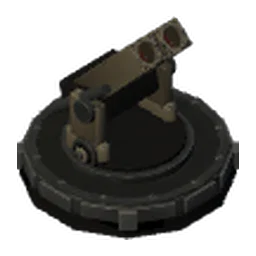
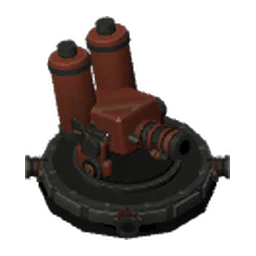
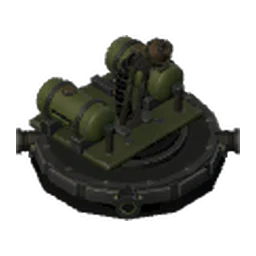
- Every tower can be piloted except the
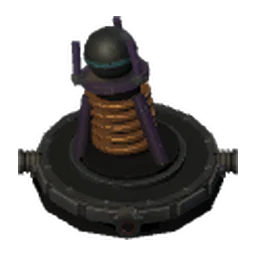 闪电 and the
 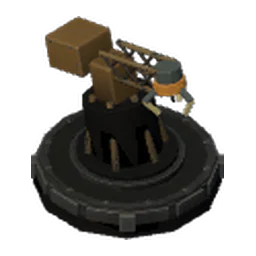 收集器.
收集器. - Each wave gives you 15 seconds of cockpit time. The Cockpit duration skill adds more, and Cockpit damage raises the damage you deal while inside.
Aiming and firing
- The mouse (or the stick) turns the turret, at the turret's own speed: a heavy tower swings slowly.
- Fire with a left click, Space or the right trigger. Your shots do not roll for accuracy, but they travel, and terrain and bodies are in the way.
- W A S D jump to the neighbouring tower in that direction, so you can hop along the maze.
- A red reticle means the shot can hit right now; the insect may still move before the round arrives.
- Aim assist widens the hit margin a little and turns the turret toward targets for you. Moving the stick or the mouse always takes control back, and L1 / R1 move it to the next target.
Switches on screen
A small panel in the corner shows two switches and the key that flips each one:
- Aim assist: E, or R3 on a controller. It is the same setting as in the options.
- Special ammunition for the tower you are piloting: R, or L3. It appears once the factory is open, and it says when that ammunition is out of stock.
Both keys and both buttons can be changed under Options → Controls → Cockpit.